



Oktul Regex Field for Jira
Oktul Regex Field for Jira adds two custom field types that only accept values matching your rules, and can fill themselves in from the form. A phone number, a personal code or an order reference then always has one shape, so JQL can find it and Automation can act on it.
What it does
| Field type | Holds | Rules apply to |
|---|---|---|
| Oktul Regex Field (Single line) | up to 255 characters | the value |
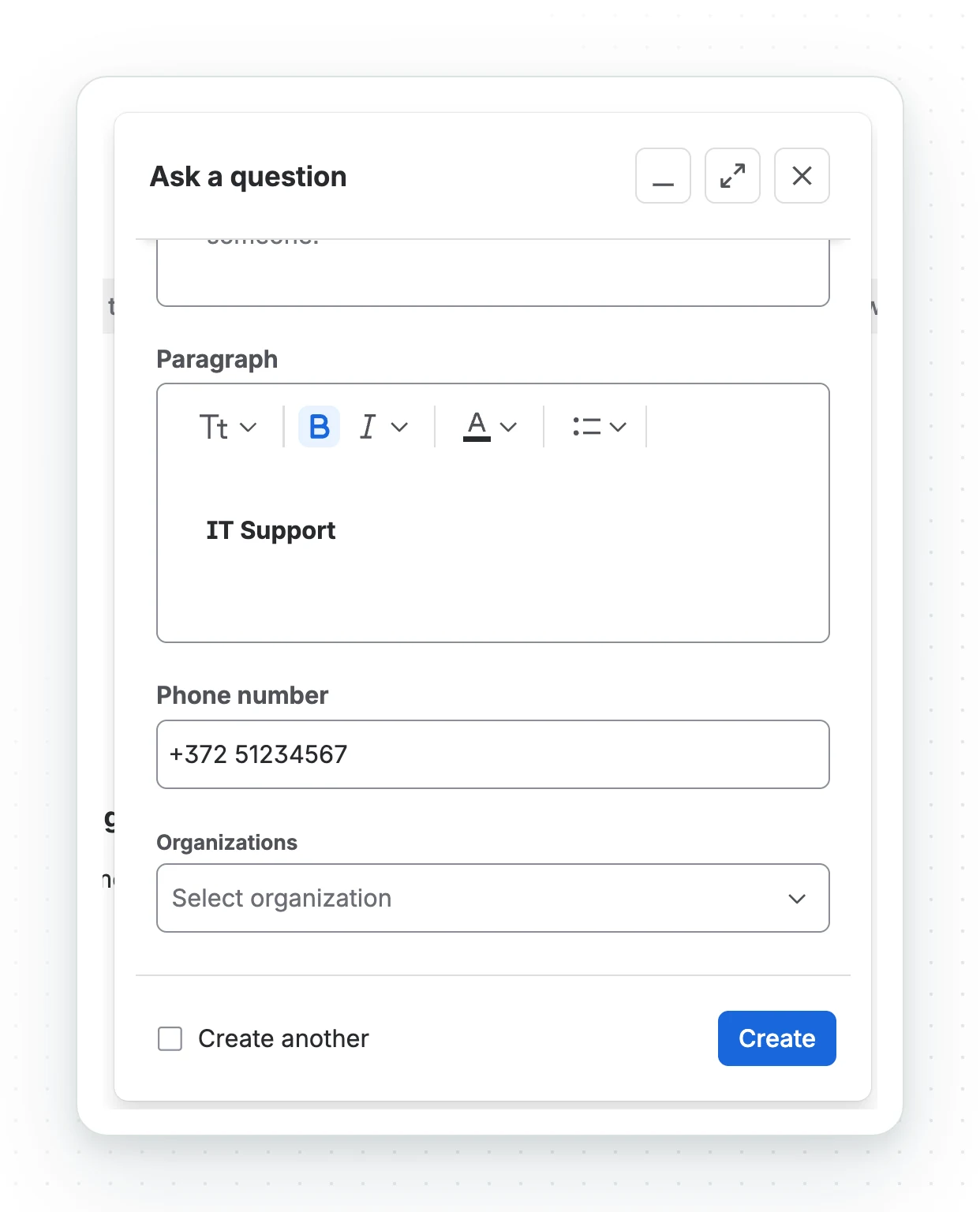
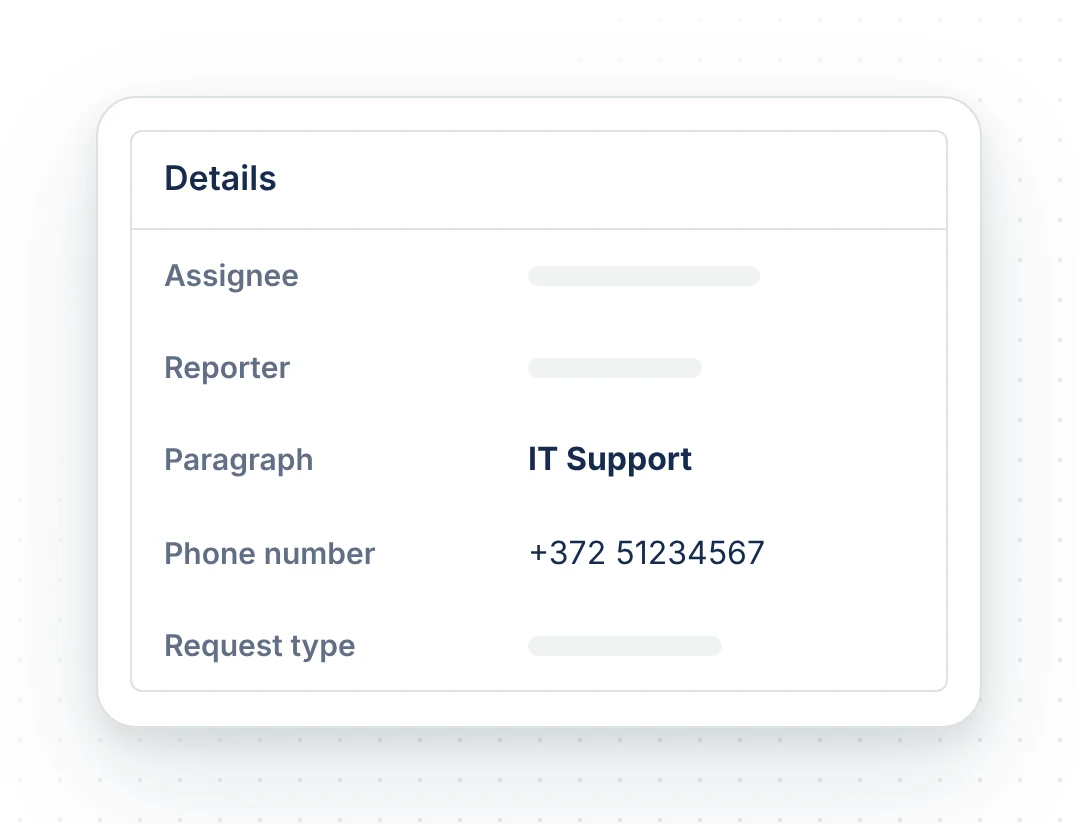
| Oktul Regex Field (Paragraph) | rich text: headings, lists, code, quotes, links, colour | its plain text |
- Jira enforces the rules on every save: the work item view, create and transition screens, the portal, the REST API, CSV import, Automation and Oktul Work Item Macro for Confluence.
- The editor checks as the person types, so they see a problem before saving.
- Strict input (single line only) blocks characters the rules refuse and types fixed ones for
the person. With the format
999-9999, typing1234567gives123-4567. - Prefill fills the field on create screens, portal forms and transitions from the person, the date, the space and other fields. See Fill fields dynamically.
A new field accepts any value until it has a rule.
What it does not do
- Strict input works only in the app’s editor. Jira Forms, the mobile apps and imports use a plain text box. The rules still apply on save.
- The paragraph field is plain text on a portal form, one paragraph per line. The portal offers apps no rich text editor.
- Patterns use the syntax Java and JavaScript read alike. Lookarounds, back references,
\band\p{…}are refused with a reason. Use several simple rules instead. - No images or attachments in the paragraph field. Use the work item’s attachments.
- Required is Jira’s own setting. An empty value passes every rule.
- Prefill fills only this app’s fields. Changes made later by Automation, a script or the REST API are followed only with Keep in sync on.
- Under Description, Jira shows the field name beside the text, not above it. Jira does this for every Forge app field and has no setting for it yet.
Before you start
- Jira Cloud or Jira Service Management Cloud
- To install: site or Atlassian app administrator
- To create and configure a field: Jira administrator
Common questions
- Where are the Regex Field rules enforced?
- On every save, by Jira: the work item view, create and transition screens, the portal, the REST API, CSV import and Automation.
- Which regular expressions are supported?
- The syntax Java and JavaScript read alike. Lookarounds, back references,
\band\p{…}are refused with a reason. - Can the field fill itself in?
- Yes. Prefill fills it on create screens, portal forms and transitions from the person, the date, the space and other fields. See fill fields dynamically.
- Does an empty field pass the rules?
- Yes. Make the field required with Jira's own setting.
- Is Oktul Regex Field free?
- Yes. It is free on the Marketplace, with every feature on every site.