



Oktul Work Item Selector for Jira
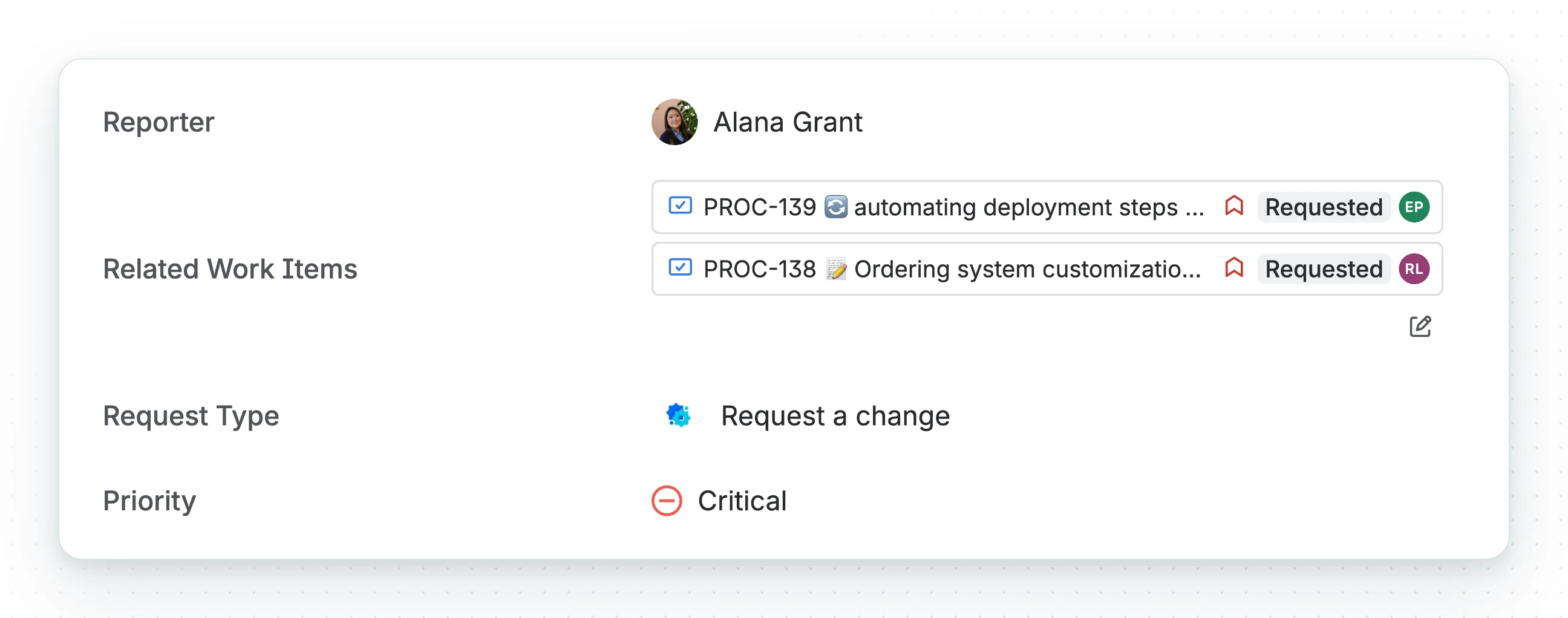
Oktul Work Item Selector for Jira adds two custom field types for picking work items. Each field context has a JQL query, and the field offers only the work items it returns. Jira’s own link offers every work item the person can read.
| Field type | Holds |
|---|---|
| Oktul Work Item Selector (Single Select) | exactly one work item |
| Oktul Work Item Selector (Multi select) | up to 100 work items, the limit Atlassian Forge sets |
What it does
- A JQL scope per field context. The query decides which work items the picker offers,
and it can take placeholders such as
{{issue.key}}and{{user.accountId}}, so the scope follows the work item and the person editing it. See JQL scope. - A permission mode per field context.
RESPECT_USERsearches with the editor’s own Jira permissions;IGNORE_USERsearches as the app, inside the scope. See permission mode. - Columns on the selected work items. One to seven of work type, key, summary, priority, status, assignee and custom fields. See set up the field.
- Native Jira links, if you want them. Each selection can be mirrored as a Jira link of a type you choose. See Jira links.
- Automation and JQL. An Automation action that replaces, adds to, removes from or
clears a selection, and four JQL functions:
workItemsSelectedBy,workItemsSelecting,workItemsWithSelectionandworkItemsSelectedByAny. See automation and JQL. - A workflow validator. Five rules a transition can enforce on the selection, including a check for circular dependencies. See workflow validation.
Where the field works
- The work item view, create and transition screens.
- The Jira Service Management portal. Under
RESPECT_USERa customer is offered their own requests. An anonymous visitor always getsRESPECT_USER. - Everywhere else the field is a plain text box.
How it keeps the relationships
Each selection is written to a work item property on both work items and indexed. JQL, the REST API and Atlassian’s Teamwork Graph can read the relationship without a native link. See how the index stays correct.
The app declares no external permissions, so nothing leaves your Atlassian site. See privacy and data handling.
What it does not do
- It is not an access control. The JQL scope limits what the picker offers, not what a person can open. See the scope is a selection constraint.
- It is not in Automation’s Edit work item field list. No Forge field is (FRGE-1108 (opens in a new tab)), so the app ships its own action.
- It is Jira Cloud only. There is no Data Center or Server version.
Common questions
- How is it different from a Jira issue link?
- Each field context has a JQL scope, and the field offers only the work items it returns. Jira's own link offers every work item the person can read.
- How many work items can one field hold?
- One in the Single Select field, up to 100 in the Multi select field, the limit Atlassian Forge sets.
- Can Automation set the field?
- Yes, with the app's own action, which replaces, adds to, removes from or clears a selection. No Forge field is in Automation's Edit work item field list.
- Can I search by selected work items in JQL?
- Yes, with four JQL functions:
workItemsSelectedBy,workItemsSelecting,workItemsWithSelectionandworkItemsSelectedByAny. - Does the JQL scope control access?
- No. It limits what the picker offers, not what a person can open.
- Does it work on the Jira Service Management portal?
- Yes. Under
RESPECT_USERa customer is offered their own requests, and an anonymous visitor always getsRESPECT_USER.
Start here
- Install the app from the Atlassian Marketplace.
- Create a Work Item Selector field and put it on a screen.
- Limit the field with a JQL scope and choose its permission mode.